Paste a TikTok, Reels or Shorts link
On Justifact you paste the link of a clip from TikTok, Instagram Reels, YouTube Shorts or Facebook and get a verdict on every claim in it, with the sources consulted and the moment in the clip where it was said, plus, separately, the signs that the recording may have been manipulated.
Look for the original recording
As with images, the most effective first step is not technical: find the original, complete clip. Most misleading clips are not forged but cut — a sentence taken out of context changes the meaning entirely, without altering a single pixel.
Signs of a deepfake
Watch for mismatches between lips and audio, especially on consonants. Then blinking (too rare or too regular), face edges during fast head movement, skin tone shifting at the boundary of the face, and lighting on the face that does not match the rest of the frame.
Check what is said, not only who says it
A clip can be perfectly authentic and still contain false claims. The authenticity of the recording and the truth of the claims are independent questions, and conflating them is common: "it is a real clip" does not mean "what it says is true".
What Justifact does
You paste the clip's link (in TikTok: Share → Copy link), and the platform transcribes it, identifies the verifiable claims and checks each one separately against external sources. Next to every claim you see the moment in the clip where it was said; when the speaker can be identified, from the transcript, the image or a search, you also see their name. The authenticity of the recording is reported separately from the truth of the claims.
Send the clip straight from the app
In the Justifact app for Android you do not need to copy the link: in TikTok, Instagram or YouTube tap Share, choose Justifact, and the clip lands directly in the verification field.
Frequently asked questions
How do I check whether a video is a deepfake?
To check whether a clip is a deepfake, watch for mismatches between lips and audio, unnatural blinking and face edges during fast movement, then look for the complete original recording. Justifact transcribes the clip and checks the claims in it against external sources.
Can an authentic clip still be misleading?
Yes, and this is the most common case. Most misleading clips are not forged but cut: a sentence taken out of context changes the meaning entirely without altering the image. That is why finding the complete recording is the first step.
What kinds of clips can be checked?
Justifact accepts clips from TikTok, Instagram Reels, YouTube (including Shorts), Facebook and other public platforms, by link. The platform transcribes the content, extracts the verifiable claims and checks each one against external sources, producing a verdict per claim rather than a single one for the whole clip.
Can I check a TikTok without an account?
Yes. Without an account you can check one short clip a week by pasting its link; with a free account you get analyses every day, and one minute of video uses one analysis. The exact limits are shown right under the link field.
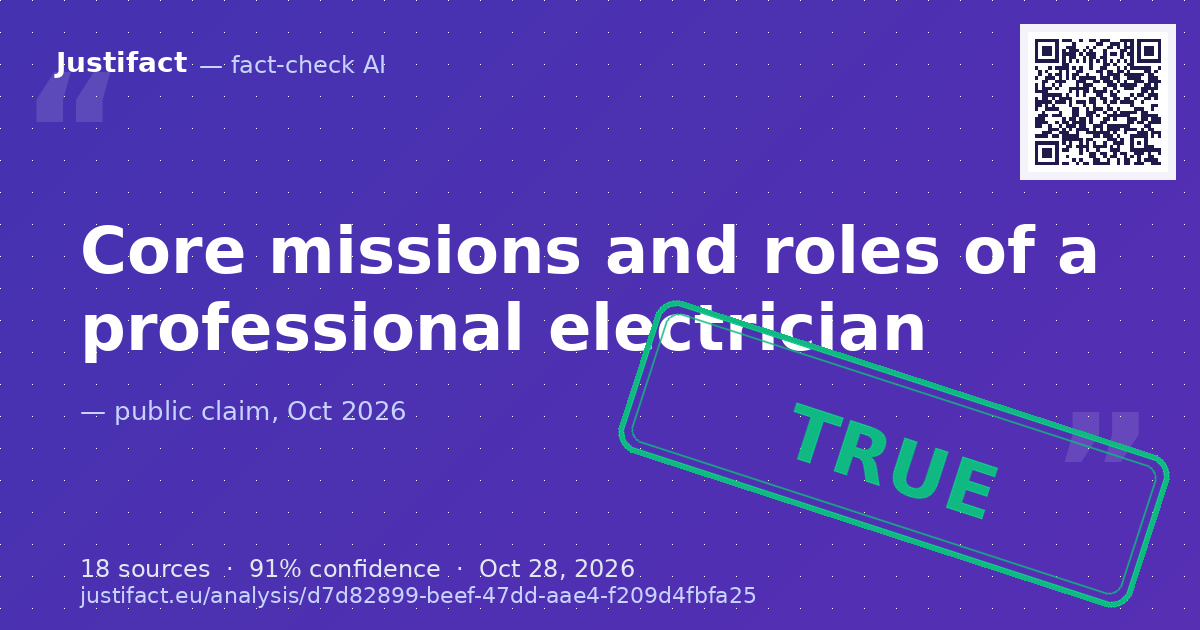 The claims describing the standard professional scope of an electrician: renovating and bringing old electrica — ADEVĂRAT
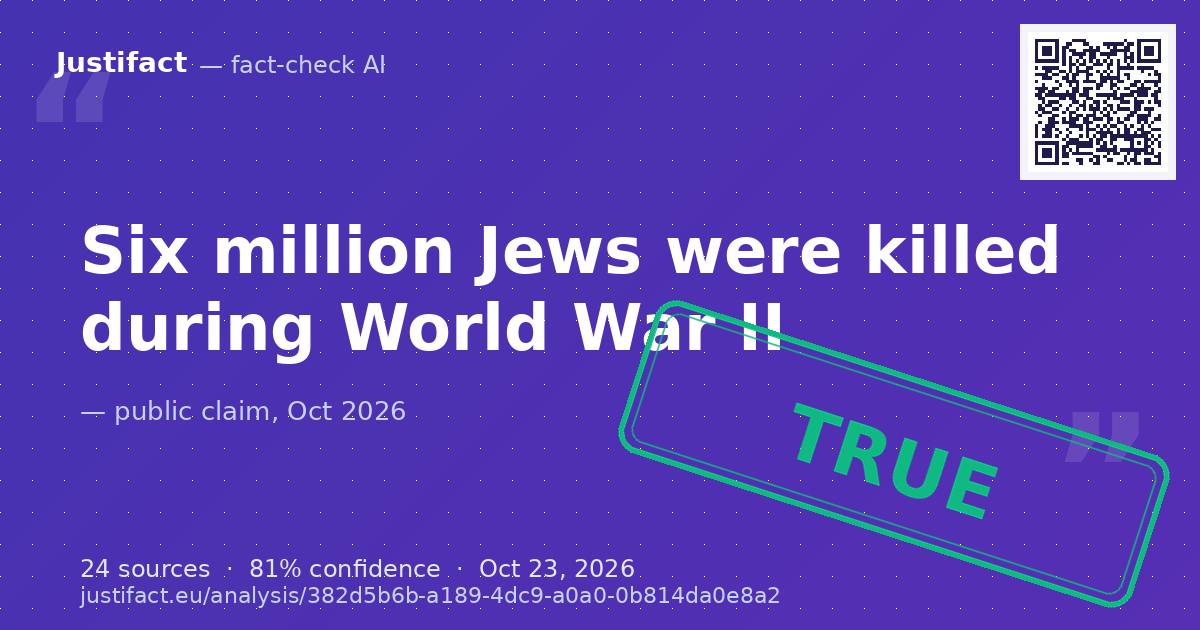 The historical statement that 6 million Jews were killed during World War II. — ADEVĂRAT
 An article reporting that the New York City Council voted by a 40-7 margin to ban horse-drawn carriages in Cen — APROAPE ADEVĂRAT
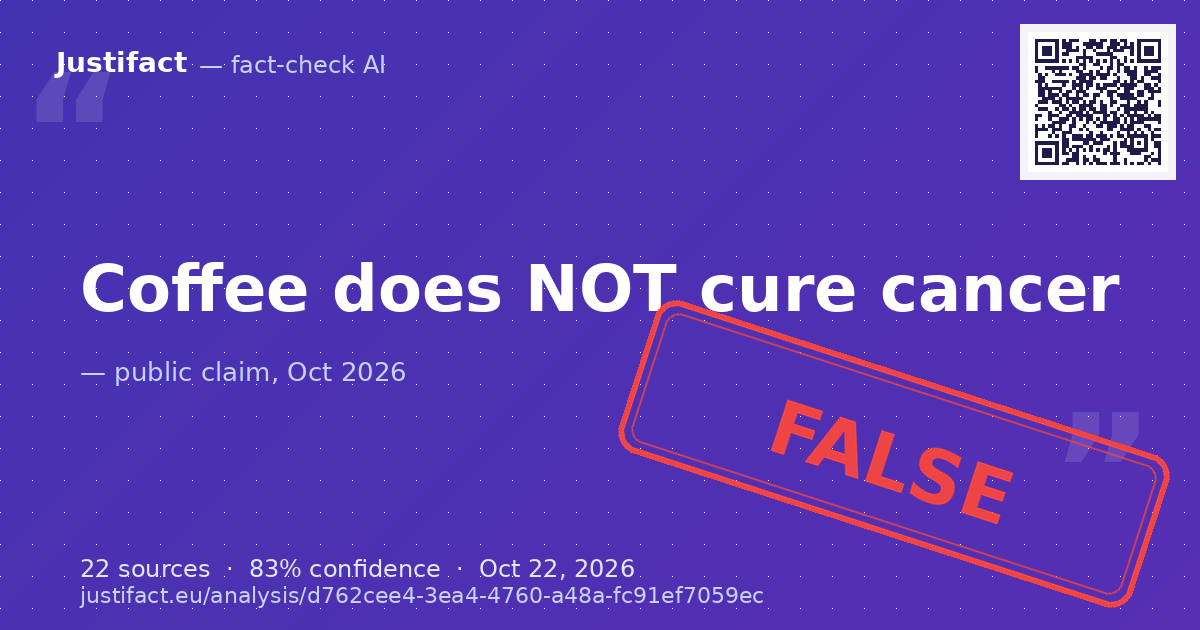 The claim that coffee 100% cures cancer. — FALS
 The headline claim asserting that an AI became a government minister in Albania, featured under the segment 'L — APROAPE ADEVĂRAT